Count
Count every visitor.
Entries and exits at every door, people in each room, and how long they stay.
On-premise video analytics
Cirtaflow counts visitors, shows where they go, spots bags left behind and finds a person across every camera. On your own server, with no cloud and no internet.
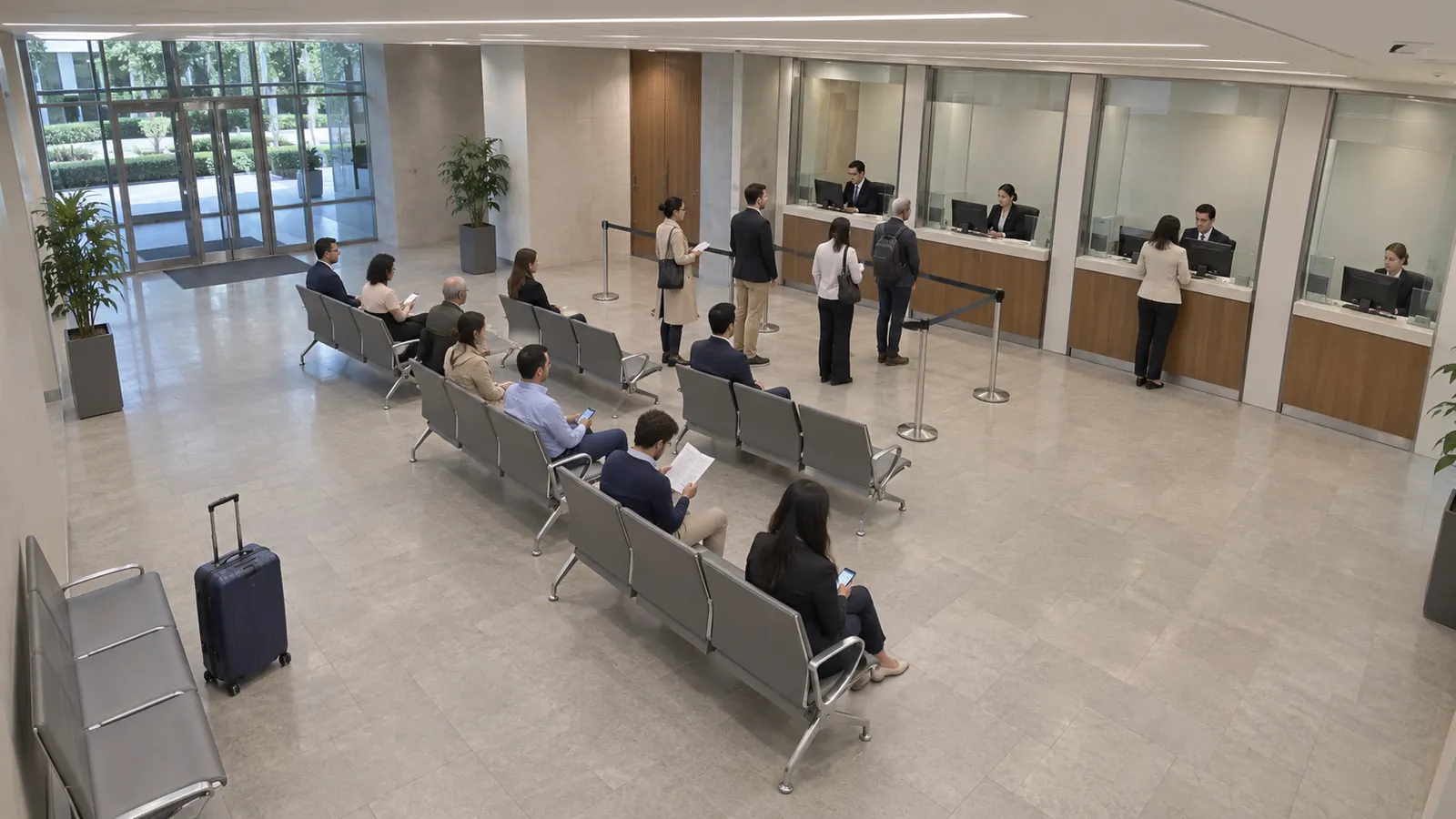 Suitcase · alone 4:12
Live · Main hall
09:21:13
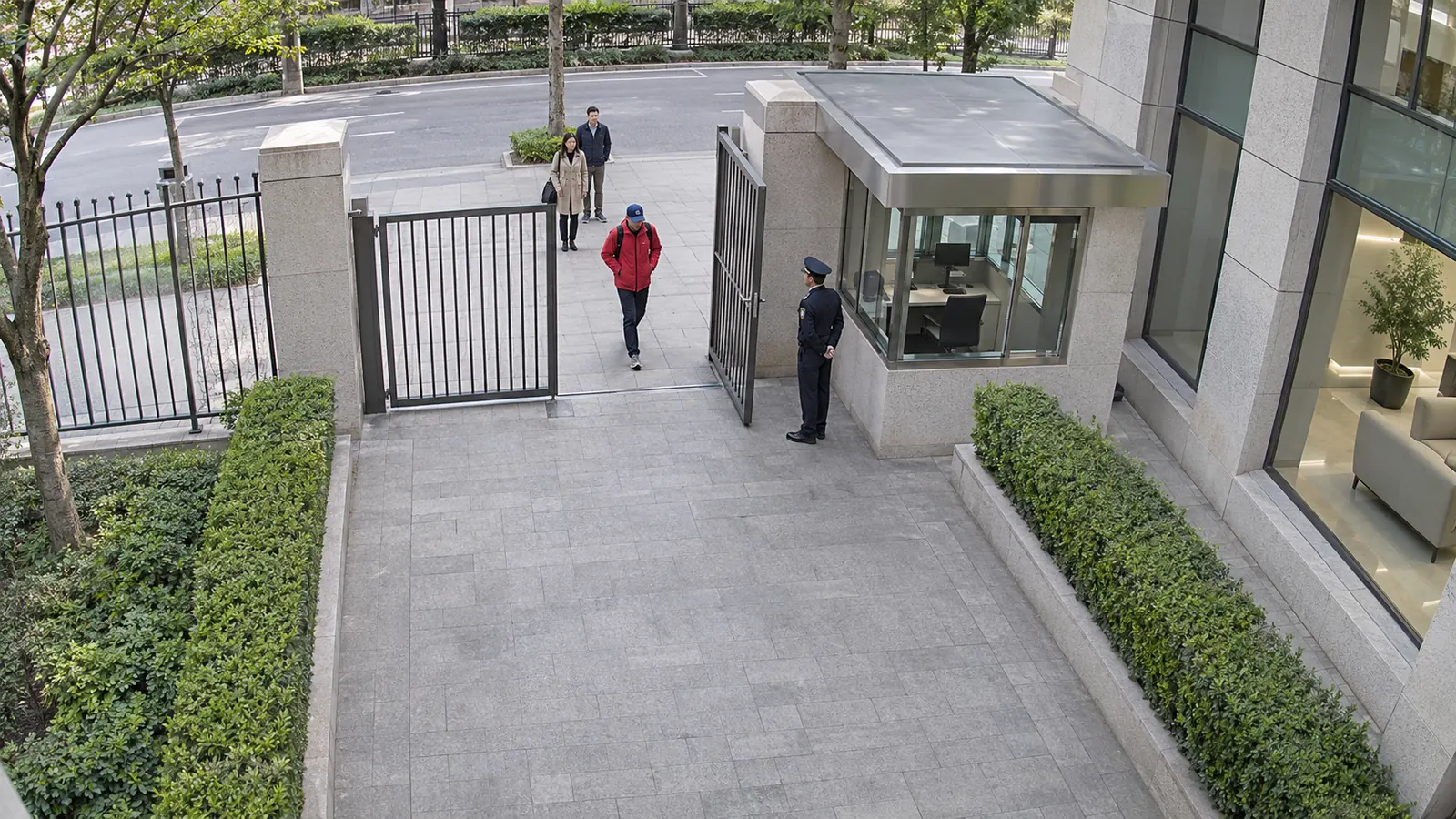
1Your camerasThe cameras and recorders you already have.
PersonBackpackPerson
2Cirtaflow seesEvery person, bag and vehicle, on every camera.
3You get answersCounts, alerts and search, on screen and by email.
Count
Entries and exits at every door, people in each room, and how long they stay.
Gate line
Heatmaps
Where people spend time in each camera's picture: today, over 7 or 30 days. It shows presence, never individuals.
 Heatmap · Main hall · 7 days
LessMore
Age and gender
Visitors by perceived age band and gender, estimated from faces; the face pictures are never stored. Off until you switch it on; people who look under 18 are only counted.
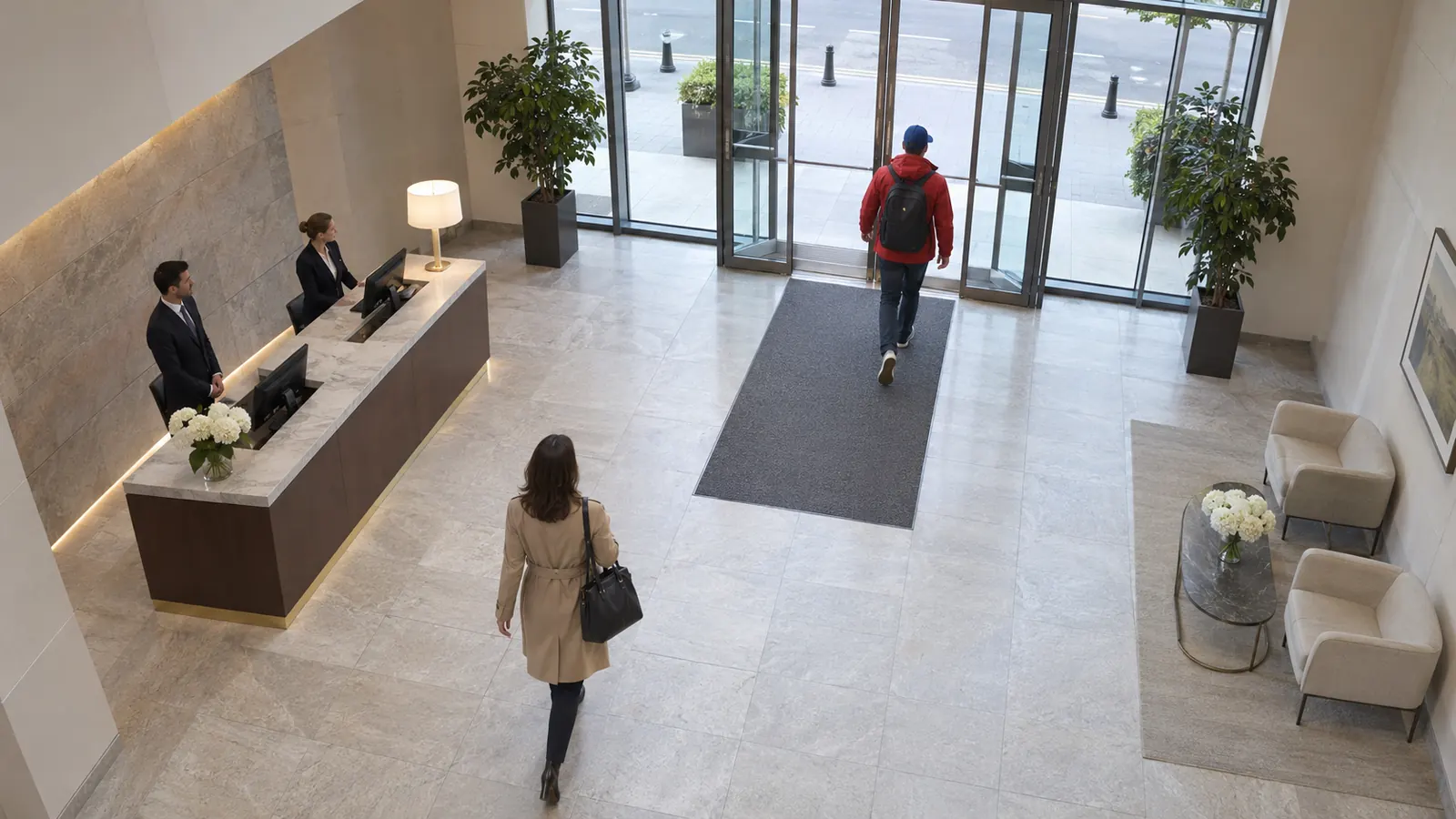 Woman · 18 to 60
Man · 18 to 60
Staff
Staff
Alert
A bag alone too long raises an alert on screen, by email and in your log collector.
 Alone 4:12
Search
Pick the clothes and colours. Every camera, any hour, in seconds. Faces stay blurred.
 Gate
 Security check
 Corridor
 Waiting area
 Exit
Follow
Cirtaflow links the same person across cameras. An investigator confirms each step.
1Gate
Same personNot them
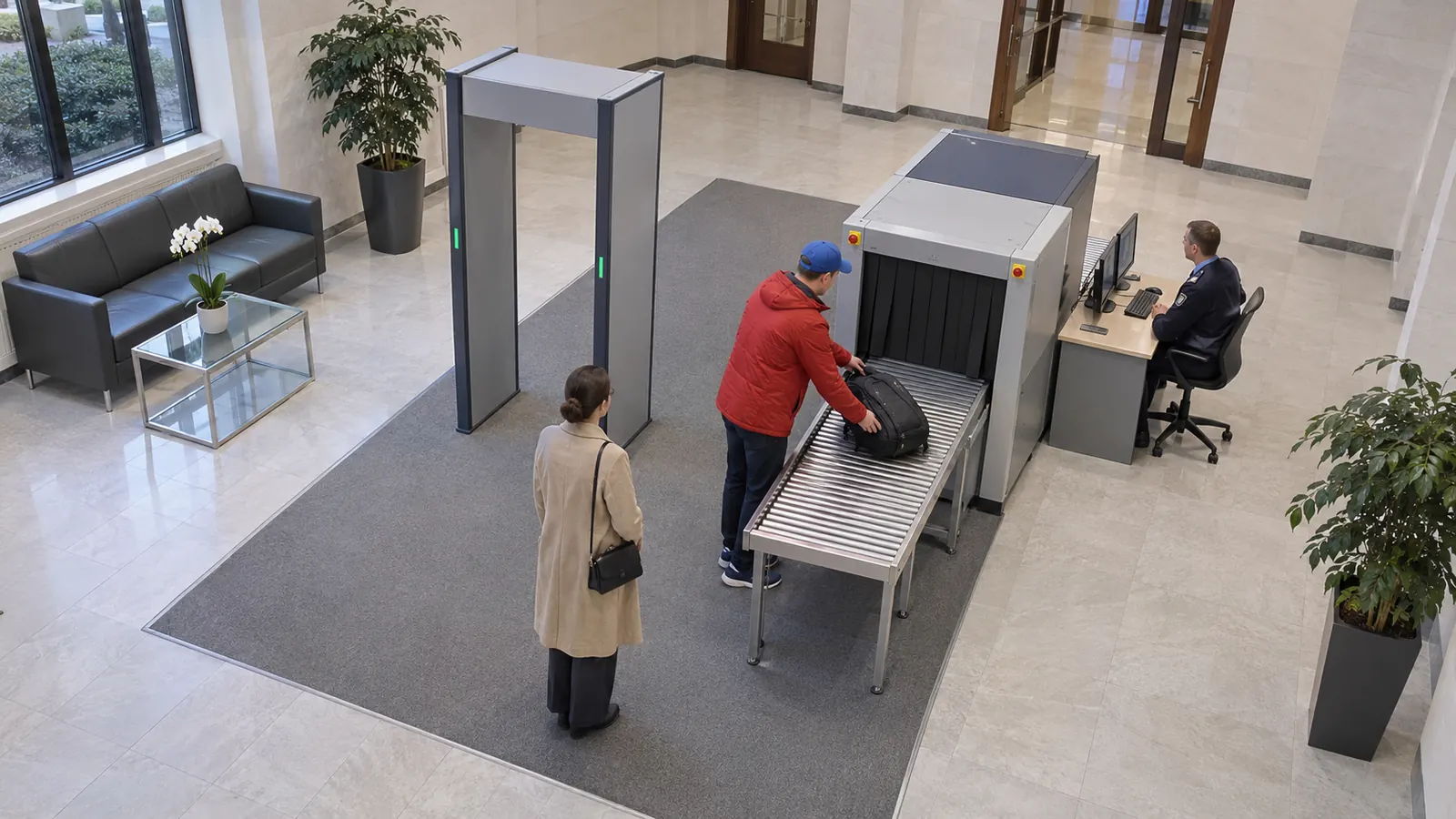
2Security check
Same personNot them
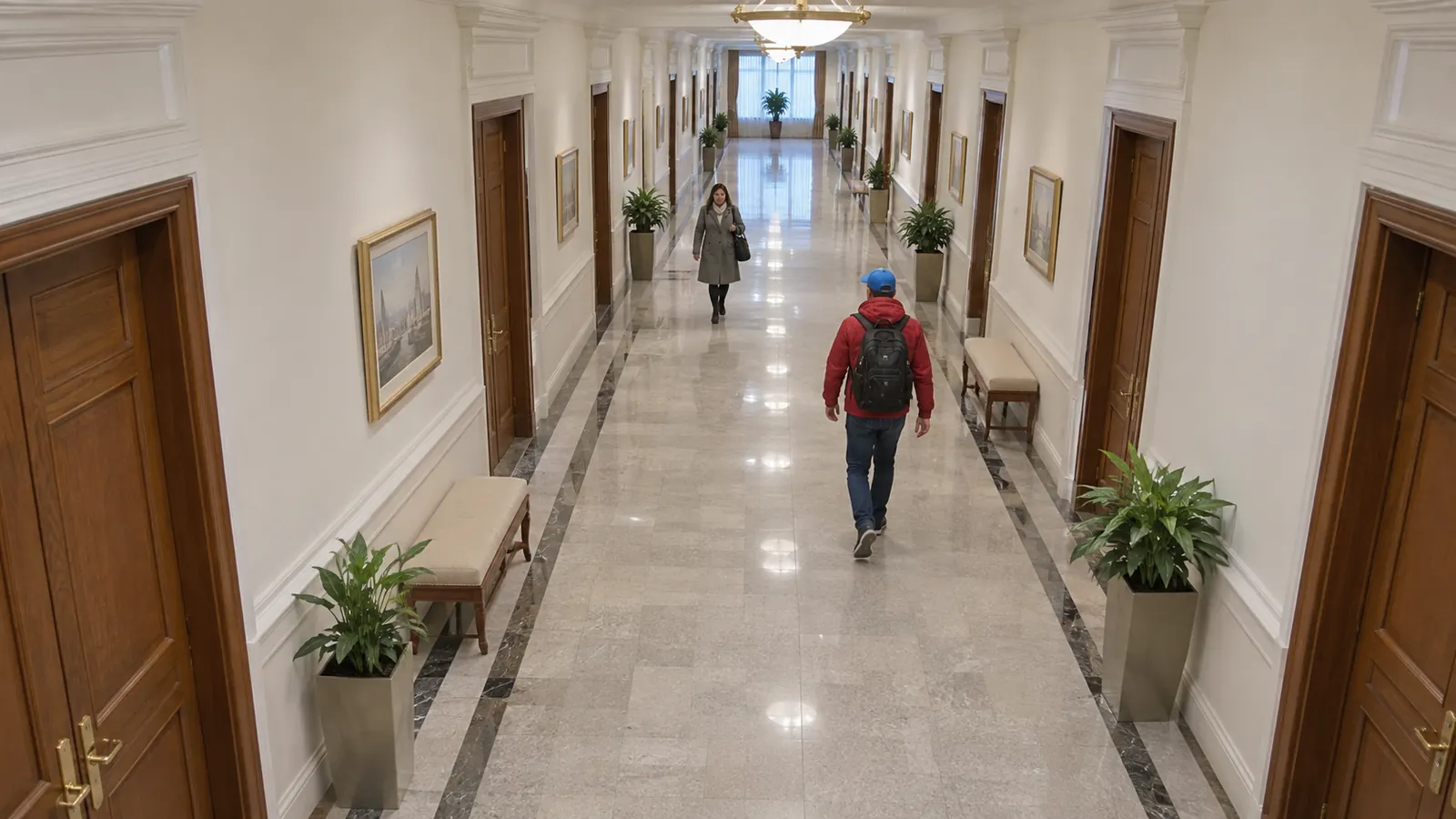
3Corridor
Same personNot them
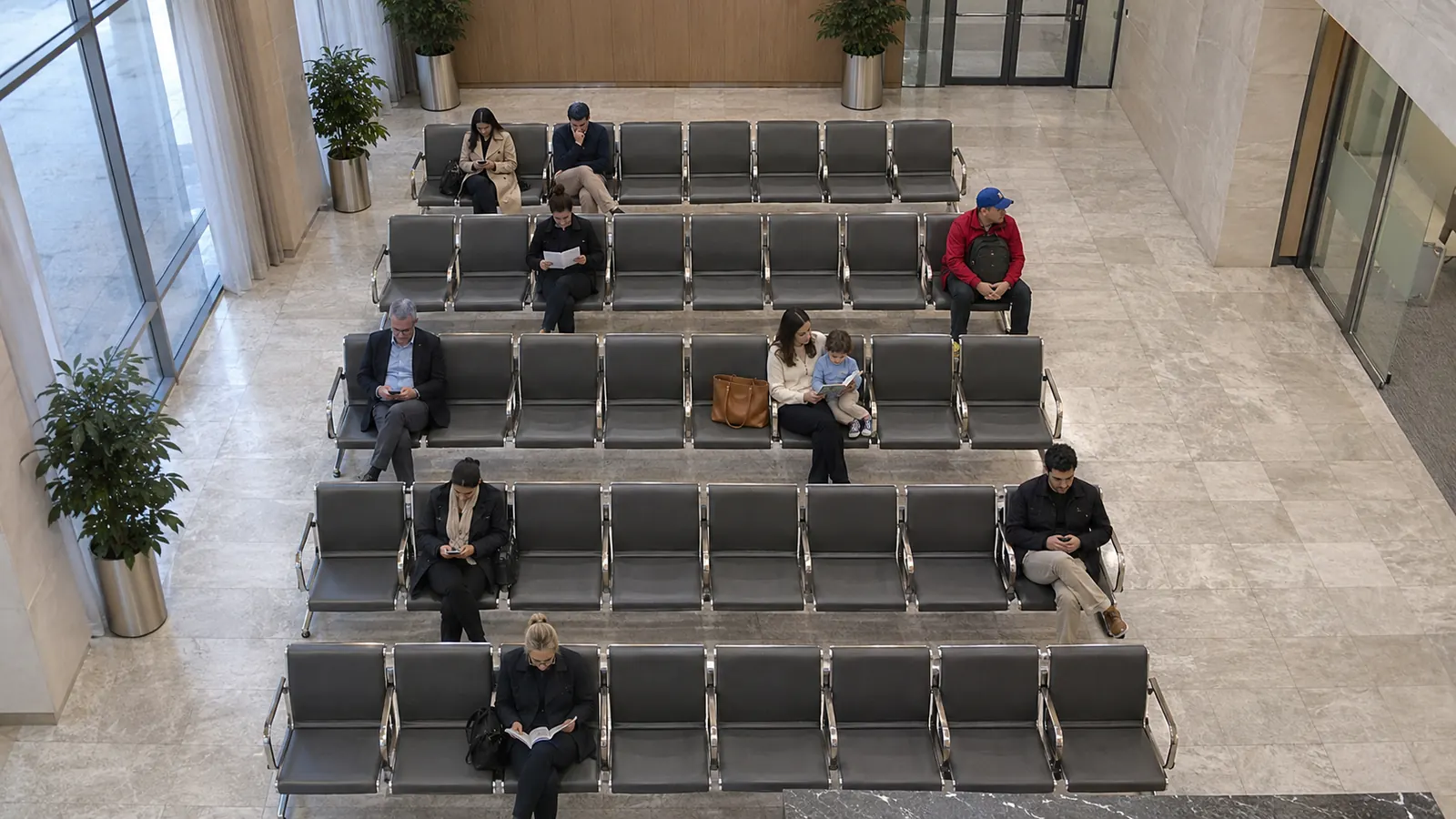
4Waiting area
Same personNot them
5Exit
Same personNot them
Watch
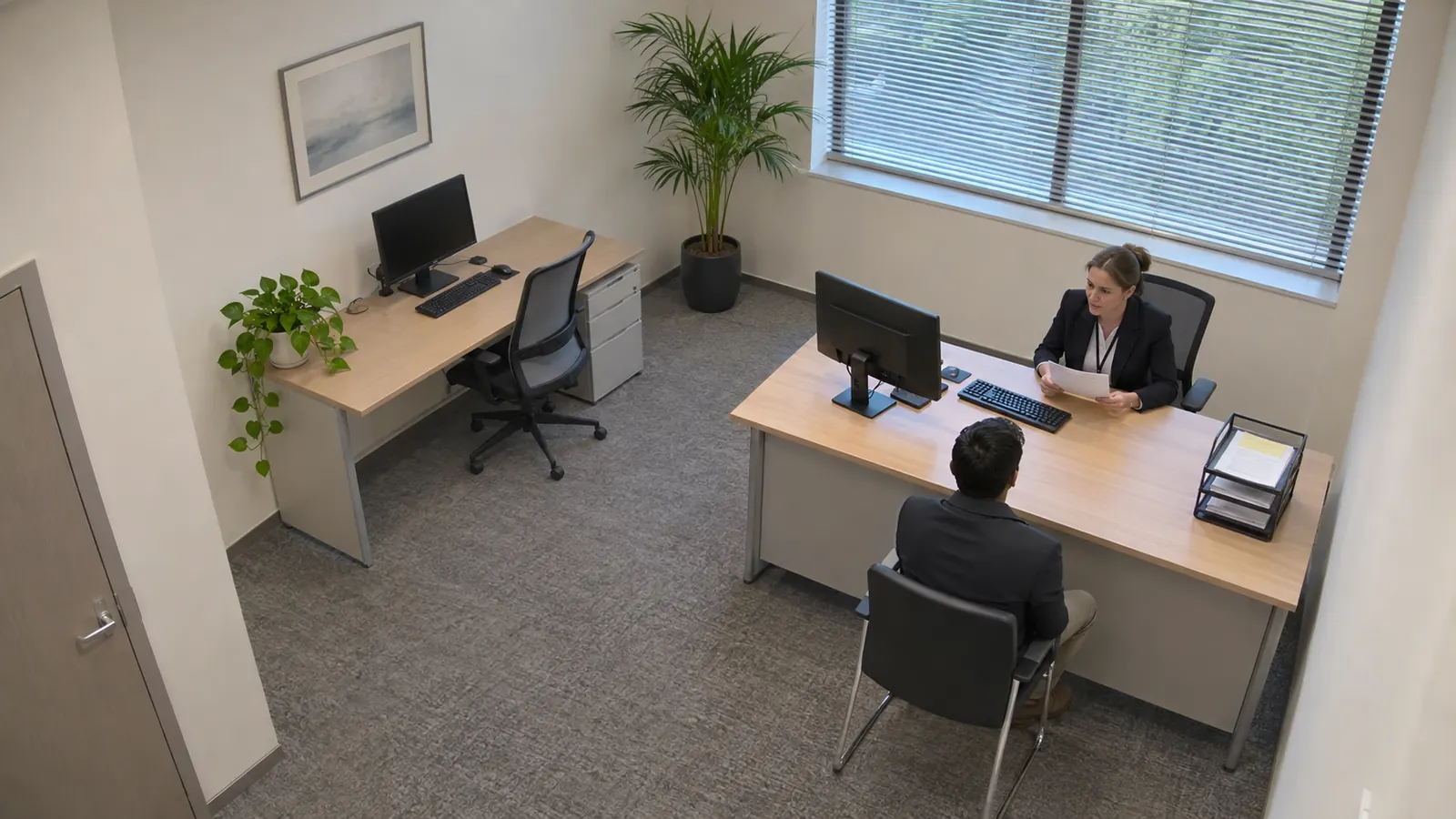
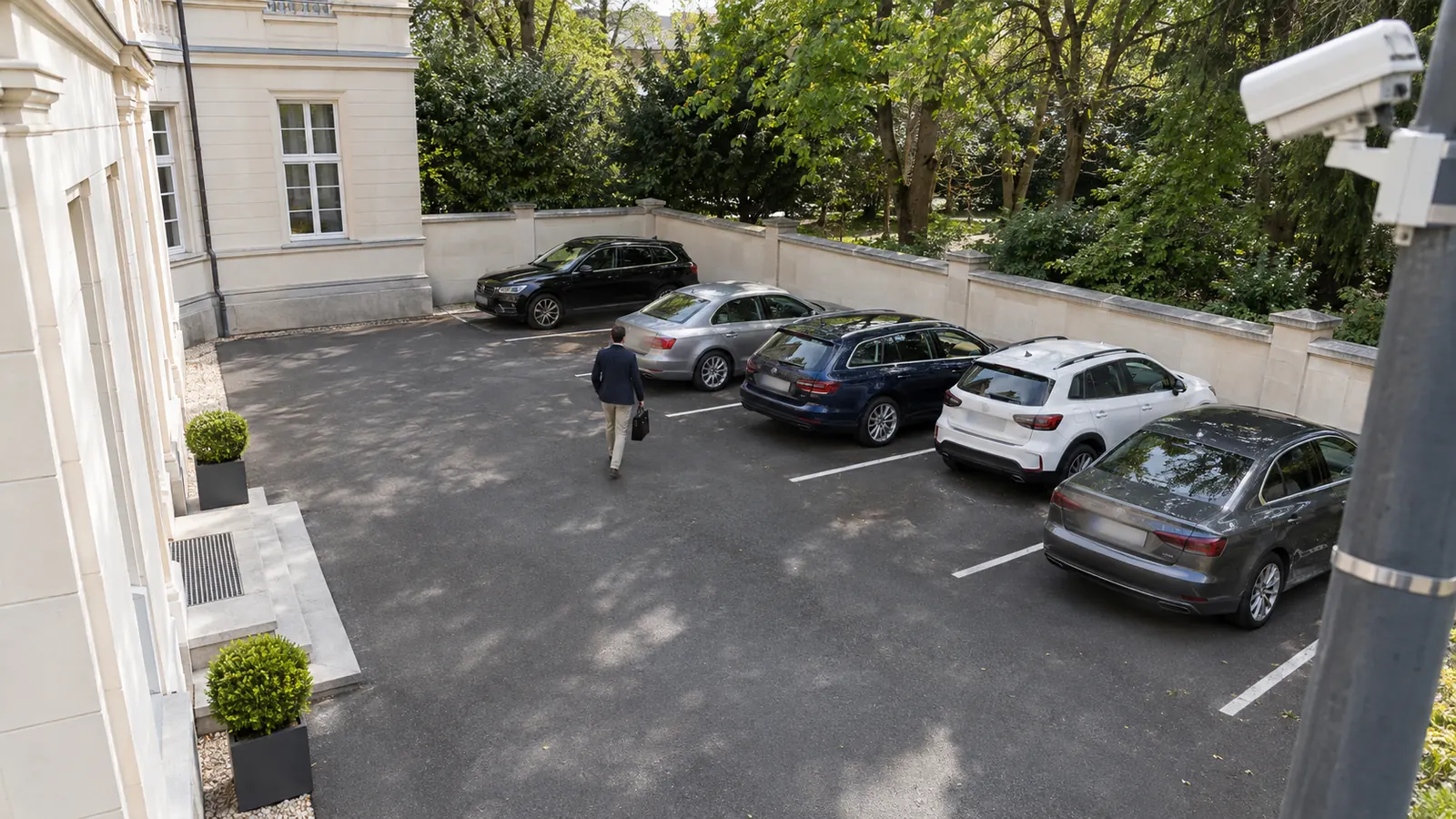
Live and recorded video from your cameras and recorders, with what matters marked.
Prove
Every exported picture and clip shows who exported it, when and for which case. Every download is on record.

And also
Most at once, stays and average stay per zone.
An alert as soon as a zone reaches the number of people you set.
Someone staying too long in a zone.
Who crossed, where and when.
Counted and searched, not only people.
Recorders' archives and video files, analysed too.
Offline or tampered-with cameras, flagged at once.
Your own dashboards, shown full screen.
Use cases
Useful with a handful of cameras, at its best with many: one search across all of them, and one person followed from camera to camera.
A few cameras: visitors per hour, busy corners, bags left behind.
Footfall at every entrance and how long people stay in each zone.
Entrances, lobbies and car parks, with staff privacy built in.
Counters, queues and visitors, with nothing leaving the building.
Many buildings, many cameras, one place to search them all.
No internet at all: it runs fully offline.
Works fully offline. Nothing is sent out.
On your own server, sized for your site.
On by default in saved evidence pictures. Live video and recordings stay as filmed.
Anything altered is refused.
A tamper-evident audit log.
Several languages, right-to-left included.
From a single shop to a hundred cameras, without sending video out. We answer in English or French.
Write to contact@cirtaflow.com with your number of cameras, their models and what you want to detect.